
The complete prep list for fabric printing: exact-scale setup, the pixels every repeat size needs at 150 and 300 DPI, the Spoonflower specifics, and the seamless check to run before you upload.
Fabric printing is the least forgiving customer of your image file. The print runs in metres, the repeat has to line up across every panel, and the printer's DPI expectation is lower than paper's, but the size is much bigger. This guide is the prep list we run every fabric file through: exact scale first, then pixels, then the repeat check.
It applies whether you print tablecloths, curtain fabric, garment panels or wallpaper. The physics is the same; only the sizes change.
Every fabric printer asks for the design at final print size. "I'll scale it later" is where files die: scaling after the fact either changes your repeat or throws away pixels.
Typical print sizes to plan around:
| Product | Common print size |
|---|---|
| Tablecloth | 140 × 80 cm to 300 × 150 cm |
| Curtain panel | 140 × 280 cm per panel |
| Wallpaper roll | 52 cm wide, repeat every 26 to 64 cm |
| Garment panel / POD cut & sew | 120 × 120 cm or the printer's fixed lay |
Set the size in centimetres first; our Print Size Calculator turns it into the pixels you need at any DPI.
Fabric is viewed from farther away than a photo print, and most fabric printers render at a fixed resolution anyway. The working numbers:
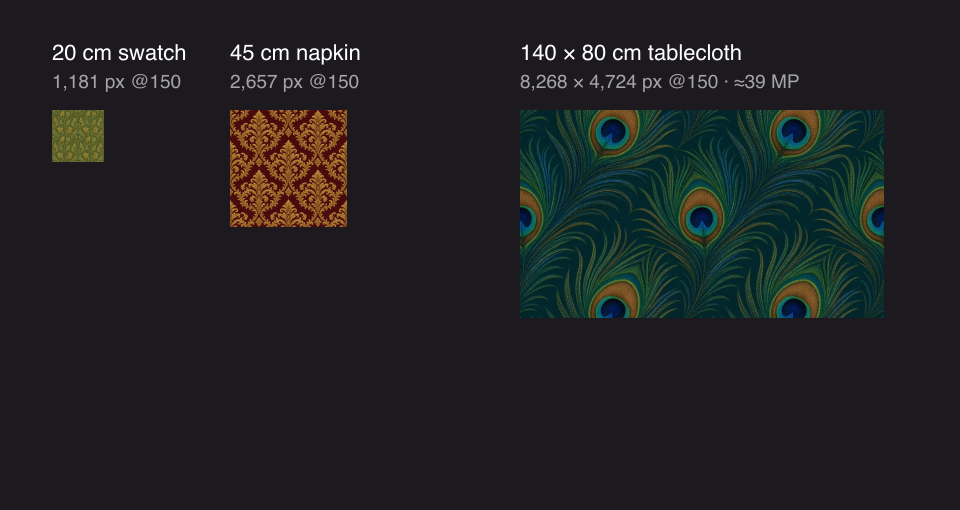
So the pixel math shifts. A 140 × 80 cm tablecloth needs 8,268 × 4,724 px at 150 DPI, not the 16,535 × 9,449 that 300 DPI would demand. Budget pixels for the DPI the printer actually uses.
| Repeat / print size | Pixels at 150 DPI | Pixels at 300 DPI |
|---|---|---|
| 20 × 20 cm swatch | 1,181 × 1,181 | 2,362 × 2,362 |
| 45 × 45 cm napkin | 2,657 × 2,657 | 5,315 × 5,315 |
| 140 × 80 cm tablecloth | 8,268 × 4,724 | 16,535 × 9,449 |
| 280 × 140 cm full drop | 16,535 × 8,268 | 33,071 × 16,535 |
A phone photo (12 MP ≈ 4,000 × 3,000 px) covers the swatch and the napkin. The tablecloth needs ~39 MP at 150 DPI, beyond almost any camera. That gap is normal on fabric; the honest fixes are in step 4.
"On screen it looks about right" is not scale. Before upload, make one motif a measured size:
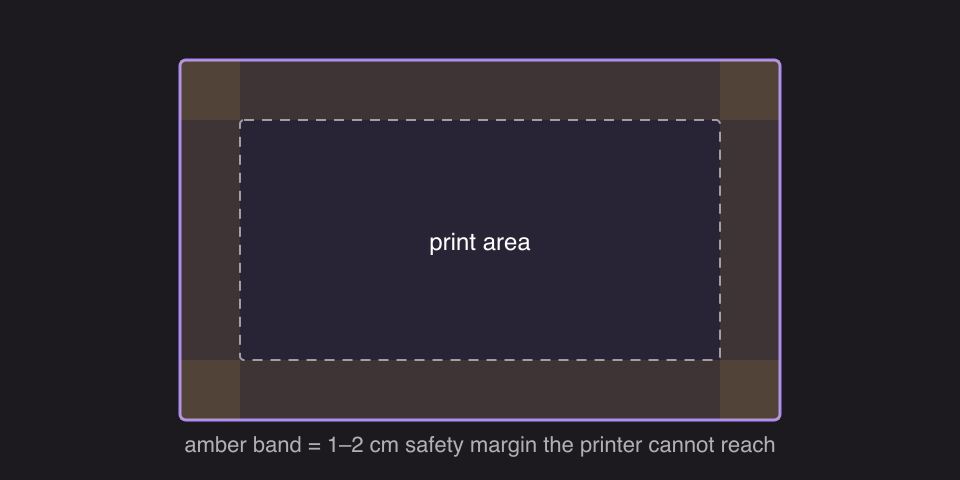
The file should carry the physical size in its metadata so the printer opens it at the right dimensions. That is what a DPI tag written at exact size does, and Increase DPI writes it in one click.
Fabric sizes are big, so almost every source image is short. In order of preference:
What doesn't work: setting the DPI tag to 300 and hoping. The tag relabels pixels; it doesn't add them.
A fabric file repeats many times across the run, so a seam that hides on your screen becomes a visible grid across three metres of cloth.
Run this after every resize or upscale. Scaling can shift a join by a pixel: invisible at 1×, a ladder at 20 repeats.
PNG for anything with flat colour, text or pattern edges; it is lossless, so repeats stay exact. JPEG only for photographic designs where the printer requires it, since its compression can bruise seam edges at exactly the join you checked. TIFF if the print shop asks for it. Avoid designing in JPG from the start.
300 DPI at final print size is the standard for direct-to-garment and most print-on-demand apparel; a 30 × 40 cm DTG print area wants about 3,543 × 4,724 px. Sublimation and large all-over prints often accept 150 DPI. When in doubt, send the printer the DPI Checker number for your file.
Every tool in the list is linked above, the checks are free and take minutes. The expensive mistake is discovering step 5 on printed fabric.
More Posts
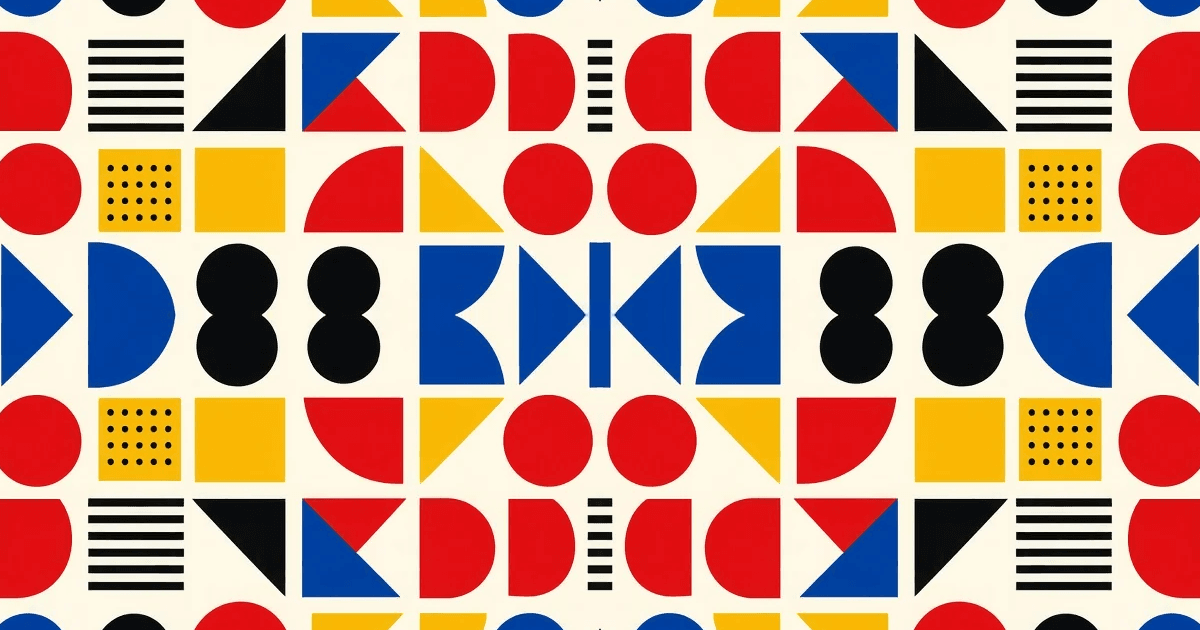
What seamless actually means on a printed surface, four ways to make a repeating tile, and how to check the joins before you send a file to print.
The DPI number in your file is just a label. What decides sharpness is how many pixels you have per printed inch. Here is how to check the real number and fix a file that falls short.