Upload one photo of the finished placemat. You get the design laid out flat — straight top-down, no perspective, no shadows — ready for sampling and production.
1 photo in · 1 flat design out · credits shown first
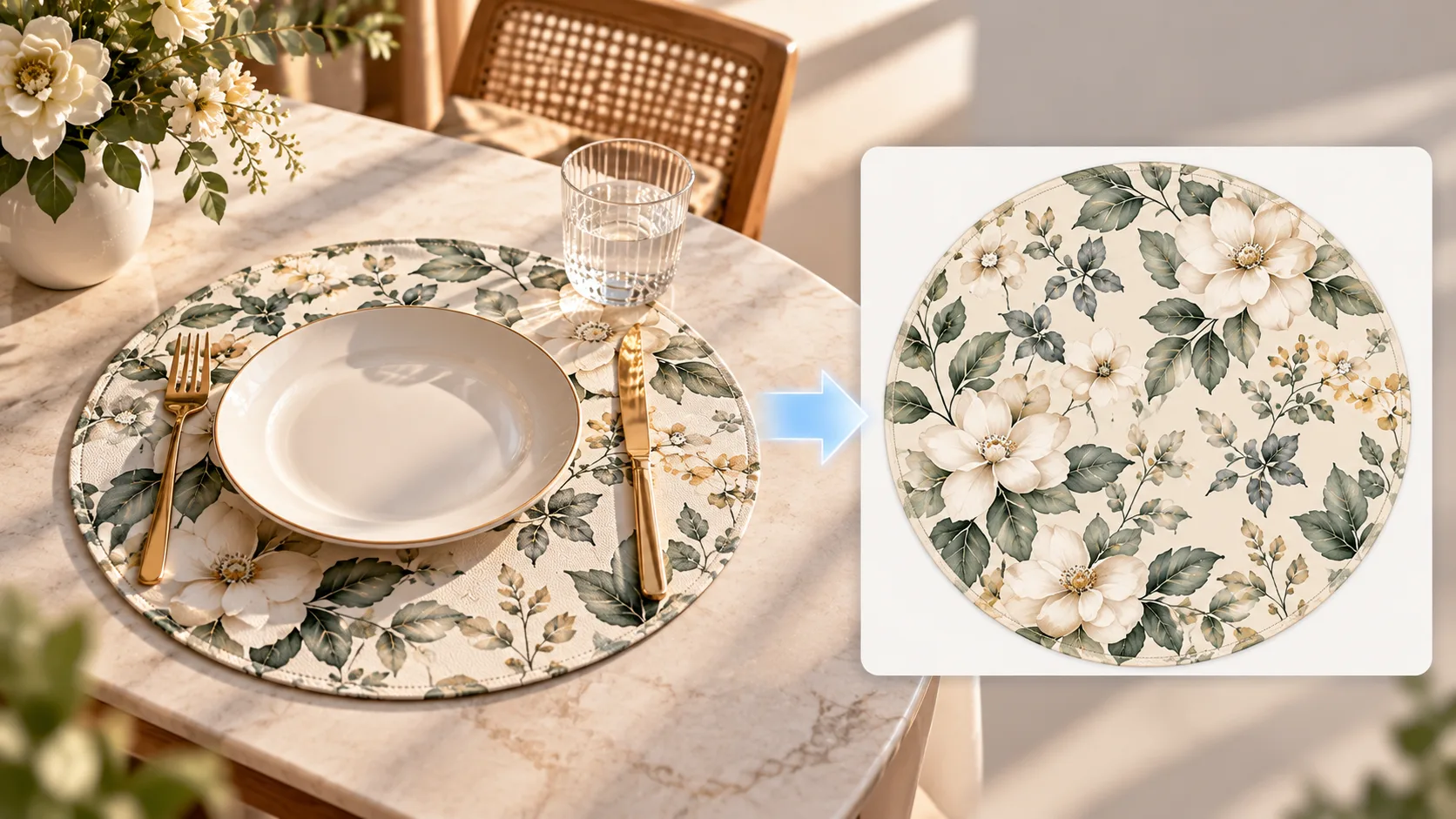
Your photoThe flat pattern you get
Pick a shape and a layout. You see the credits before it runs.
One shot of the finished mat, JPG, PNG, or WebP, up to 10 MB. A straight-on angle gives the cleanest extraction.
Rectangle, square, or round mat. Then choose how the pattern spreads — from the reference photo itself, centered, border-only, corner flowers, and more.
Choose resolution and quality, run once, and download the flat production design. A failed run returns the credits.
How to extract a placemat pattern from a photo