Start from one tablecloth image. Swap the setting for a ready-made scene, or upload your own photo and let the tool dress the table in a new cloth.
1 image in · 1 scene photo out · credits shown first
AI runs take a moment — usually 1 to 3 minutes.
Pick a setting for your tablecloth, or skip this and describe your own scene in the notes.
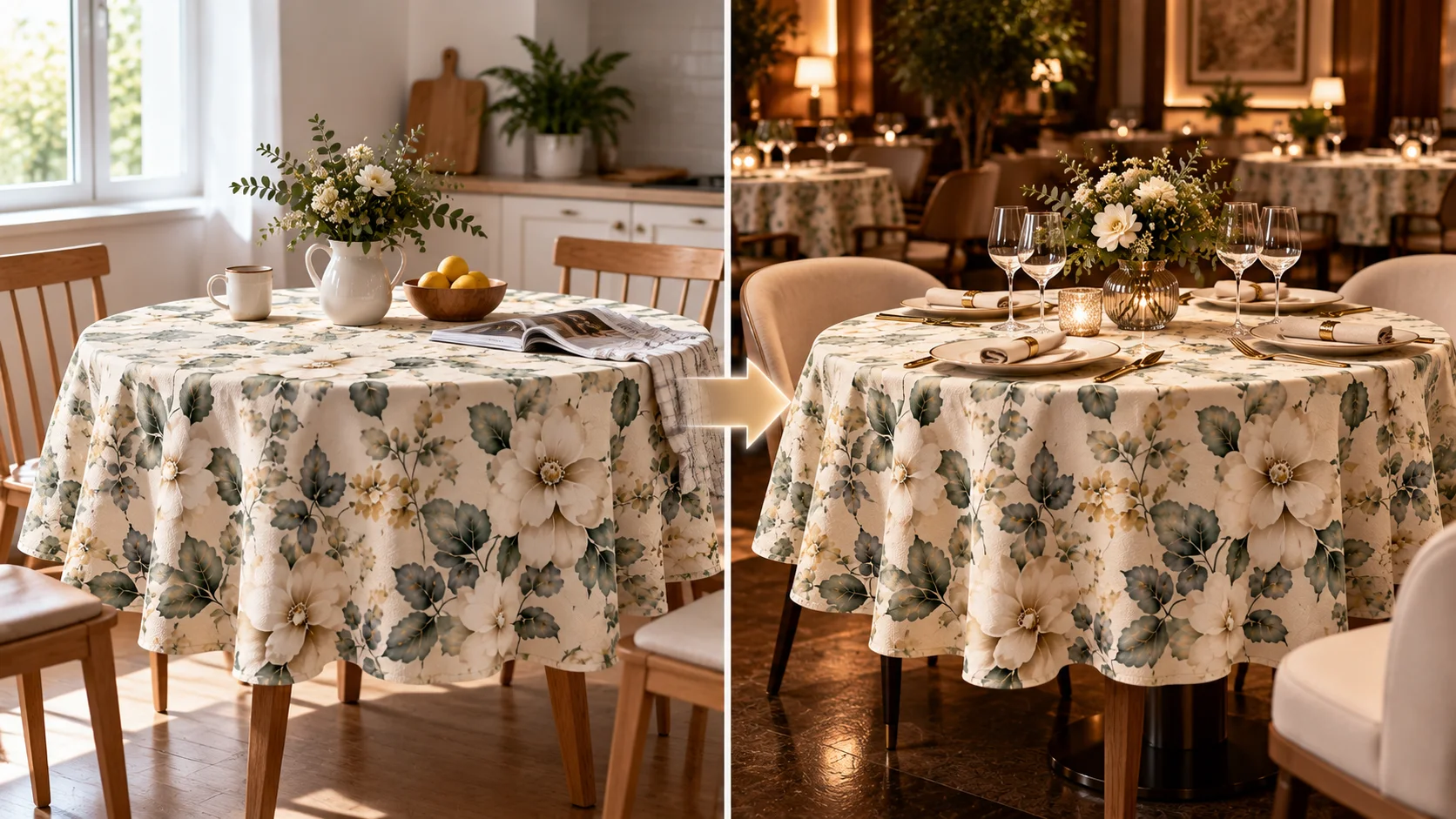
Your imageThe photo you get
Pick a method and a scene. You see the credits before it runs.
A tablecloth photo or fabric print for a new scene, or a room photo for a tablecloth swap. JPG, PNG, or WebP, up to 10 MB.
Change scene keeps your tablecloth and replaces the setting. Change tablecloth keeps your photo and dresses the table.
Pick one of the ready-made scenes, add notes on light and mood, or describe the tablecloth you want in your photo.
Choose the output shape and quality, run it once, and download the result. A failed run returns the credits.
How to swap a tablecloth scene