Turn flat artwork into separate layers you can preview and export. Inspect how the design is stacked, then take the layers into your image editor.
2–20 layers, including the base · Credits shown before you split
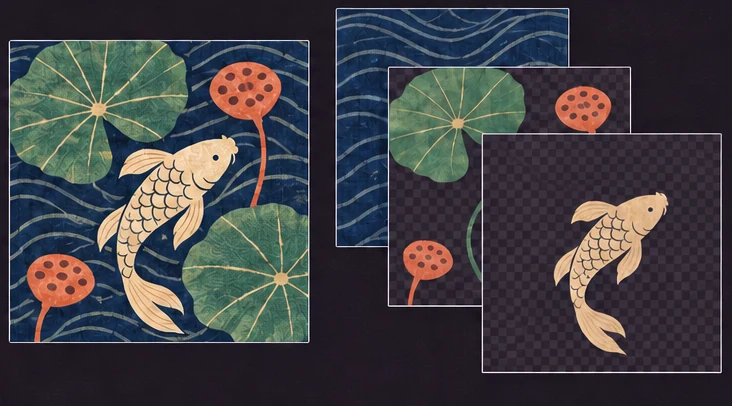
This example shows how a flat print can be built from three layers. The paper, geometric border, and center artwork share one canvas, so they line up when stacked.
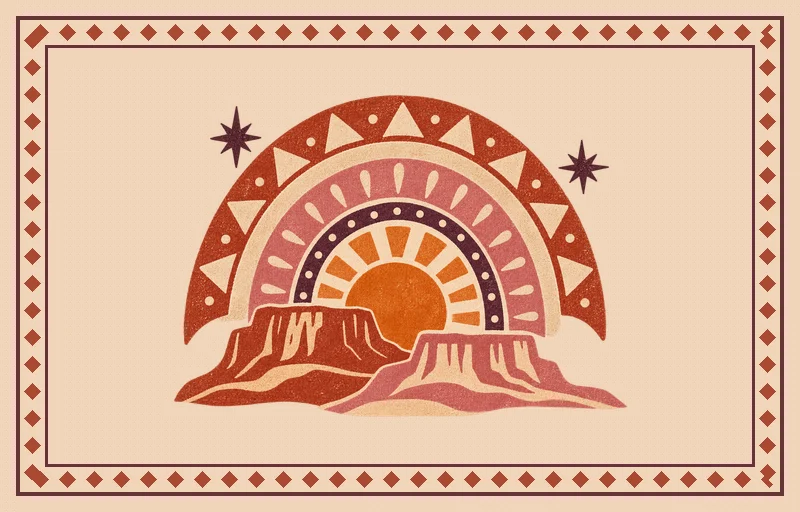

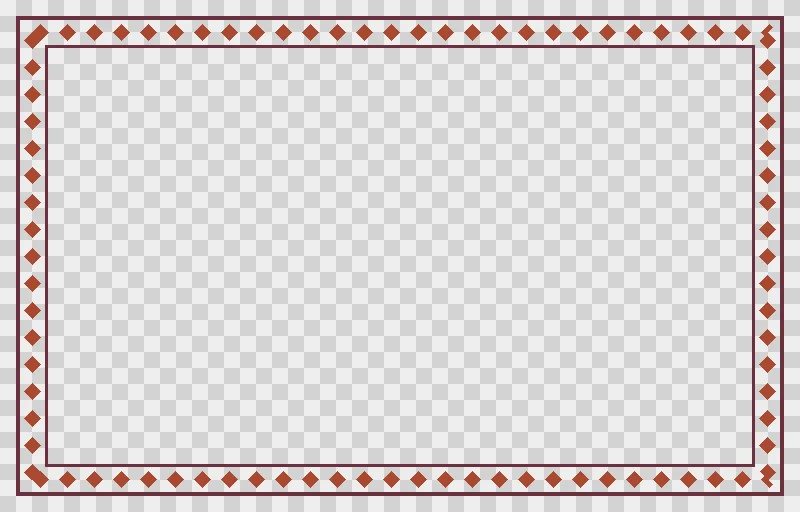
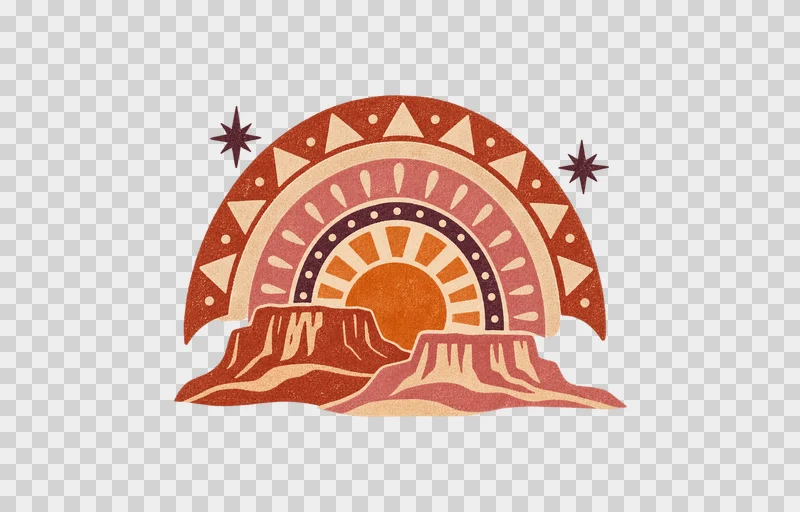
This print was split into 13 layers, including the base. Select a layer to show or hide it, or use the focus icon to see it on its own.

Choose a JPG, PNG, or WebP up to 50 MB. Images above 10 MB or 4096 px on the longest edge need to be compressed before use.
Click Identify layers to see the suggested Basic and Fine plans. Select the parts you want to separate and review the updated credits before confirming.
Save a layered PSD to edit the full design, a PNG ZIP to use all layers in another editor, or a single PNG to reuse one layer.
Each export uses the same output canvas, so the layers line up when opened together.
| Download | What you get | Use it to |
|---|---|---|
| Layered PSD | One PSD with all raster layers in stacking order | Recolor or rearrange parts of the design in Photoshop |
| PNG ZIP | One full-canvas PNG per layer, plus a layer list | Bring all layers into an editor that works with PNGs |
| Single PNG | One selected layer at the full canvas size | Reuse a motif or background on its own |